R Group Decomposition
To use the R-Group Decomposition function you must have a subscription.
Try all of the functionality free for 13 days, all you need to do is create an account using the link below and start a subscription.
Create an accountBelow we have a simple example of some molecules
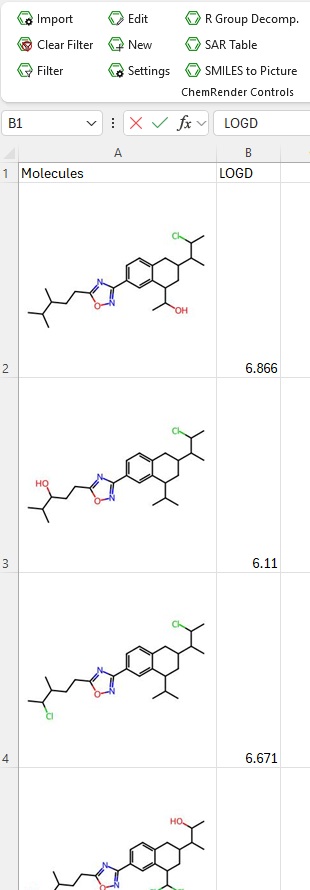
With some molecules in place we can now run the decomposition function.
Clicking the R-Group Decomposition button will open a dialog box.
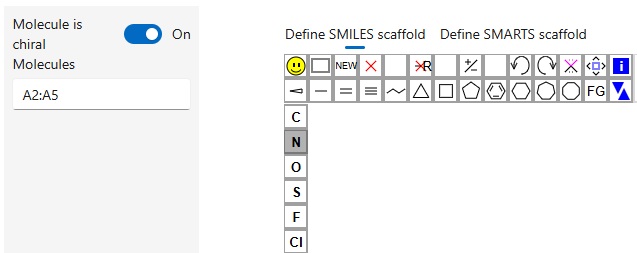
On the left, you can see the range of cells that the code has identified as containing SMILES (or images that were once SMILES). It’s worth noting that the identification isn’t 100% accurate so make sure you check the range.
Once you’re happy define the core/scaffold.
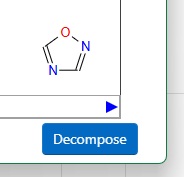
Once you have defined the core click Decompose.
The decomposed molecules will appear in a new tab.